

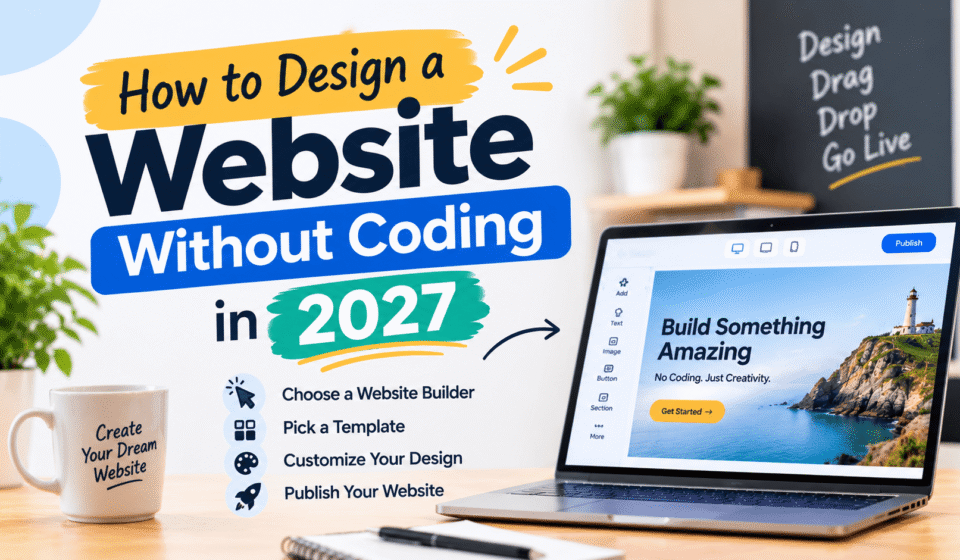

Can You Really Create a Website Without Knowing How to Code?
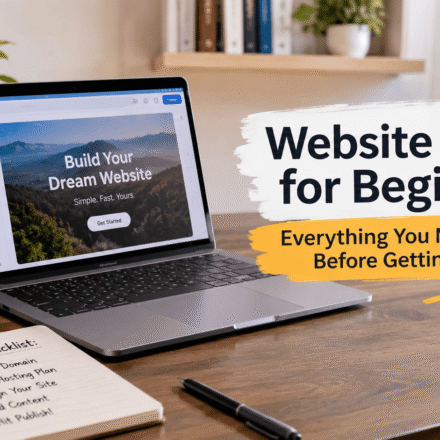
Many beginners dream of creating their own website but hesitate because they have no programming experience. They often assume that website design requires knowledge of HTML, CSS, JavaScript, and other technical skills.However, website creation has become much easier over the years. Learn how to design a website without knowing how to code.
Today, several platforms allow you to build and customise websites using visual editors, ready-made templates, and simple drag-and-drop tools. This means you can create a business website, personal portfolio, or blog without writing complicated code. All you need is a clear idea, the right platform, and some patience.
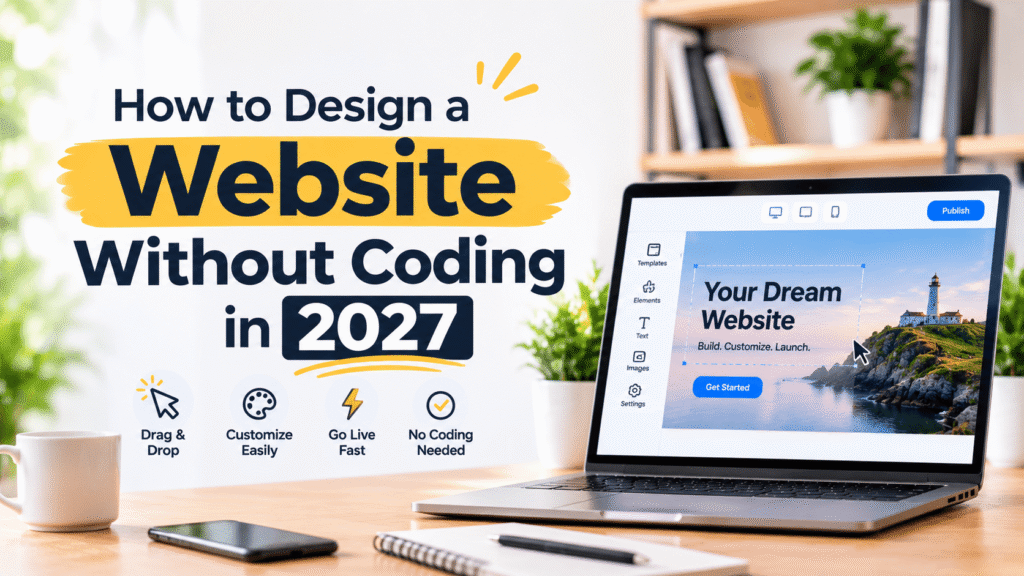
Step 1: Decide What Type of Website You Want to Create
Before choosing a website builder, think about why you need a website. Your purpose will determine its layout, features, and overall design.
For example, a small business website should clearly explain its services and provide contact information. A personal portfolio should highlight your work, while an online store needs product pages and payment facilities.
Having a clear plan from the beginning will save time and help you avoid unnecessary design changes later.
Step 2: Choose a Beginner-Friendly Website Builder
The platform you select will influence how easily you can create and manage your website. Fortunately, several options are available for people with little or no technical knowledge.
WordPress is suitable for people who want flexibility and access to a wide range of themes and plugins. Wix offers a visual website editor that makes customisation straightforward.
Squarespace provides professionally designed templates, while Shopify is a popular option for creating online stores.
Compare their pricing, features, and ease of use before making your decision.
Step 3: Select a Suitable Website Template
A website template gives you a ready-made structure that you can customise according to your needs. It usually includes sections for headings, images, content, menus, and buttons.
Choose a template that matches your industry and website purpose. A photography website, for example, should give more attention to images, while a corporate website should highlight services and company information.
Do not select a template simply because it looks attractive. Make sure it is responsive, easy to navigate, and suitable for your content.
Step 4: Create Your Essential Website Pages
Once you have selected a template, start building the main pages of your website. Most business websites need a homepage, About Us page, Services page, and Contact page.
Your homepage should quickly explain what your website is about. The About page can introduce your business, while the Services page should explain what you offer and how visitors can benefit.
A well-organised Contact page makes it easier for potential customers to reach you. Add your business email, phone number, and a contact form where appropriate.
Step 5: Customise Colours, Fonts, and Images
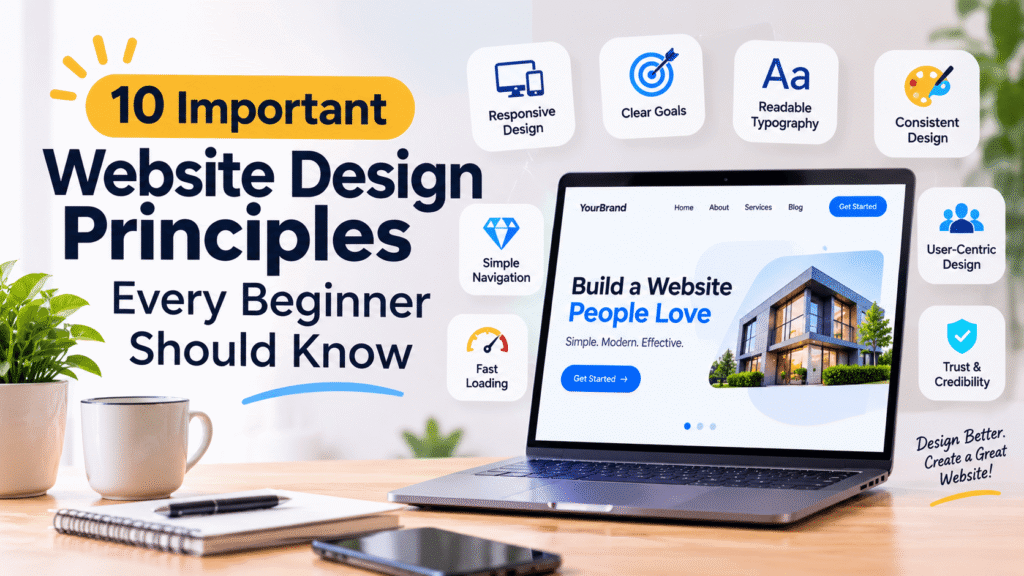
This is where your website starts developing its own identity. Choose colours that reflect your brand and fonts that make your content comfortable to read.
Use relevant images instead of filling every section with decorative visuals. Your design should support your message rather than distract visitors from it.
Try to maintain the same colours, typography, and button styles throughout the website. This creates a more polished appearance.
Step 6: Make Your Website Mobile-Friendly
A website that works perfectly on a desktop may not look the same on a smartphone. Some images may become too large, text may appear crowded, and buttons may be difficult to tap.
Most modern website builders offer responsive design options. However, you should still preview every important page on different screen sizes.
Check the menus, images, headings, and contact forms before publishing your website.
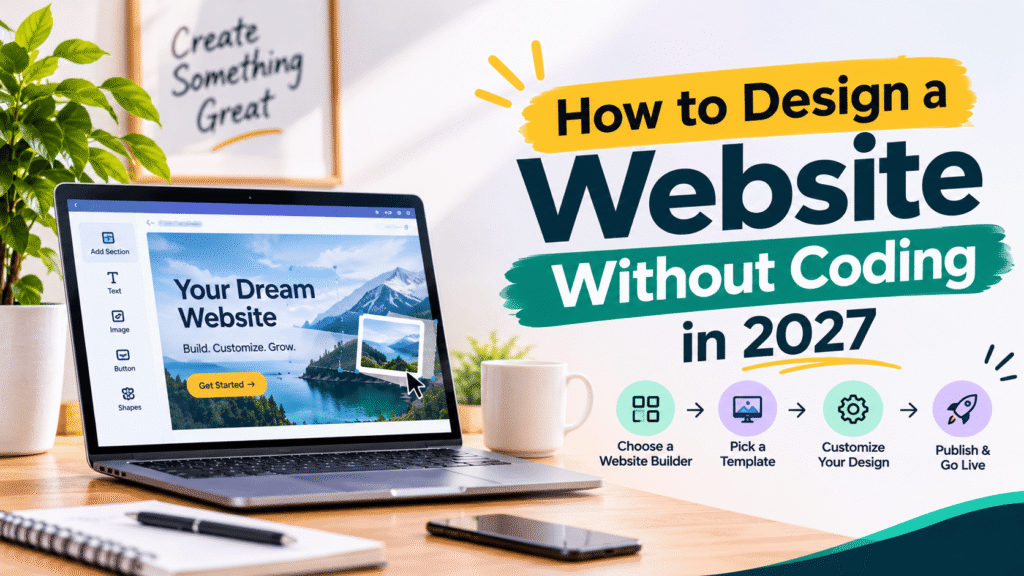
Step 7: Publish and Test Your Website
Once your design is ready, connect your domain name and hosting service if required. A domain name gives visitors a simple address through which they can access your website.
Before going live, test every important feature. Open your pages, click the navigation links, submit your contact forms, and check whether your website loads properly.
You should also review your page titles, meta descriptions, and basic SEO settings to help search engines understand your content.
Is Designing a Website Without Coding a Good Option?
For beginners, small businesses, freelancers, and personal projects, no-code website builders can be an excellent starting point.
They reduce the technical challenges of website creation and allow you to focus on content, branding, and user experience. However, highly customised websites and advanced functionality may still require professional development.
Start with a simple website and improve it as your needs grow. You can always learn coding later if you want greater control over how websites are built.
Frequently Asked Questions
1. Which platform is easiest for creating a website without coding?
Wix and Squarespace are popular beginner-friendly options. WordPress is another good choice for people who want more flexibility.
2. Can I create a free website without coding?
Yes. Some website builders offer free plans, although they may include platform branding, limited features, or restricted domain options.
3. Do no-code websites rank on Google?
Yes. Websites created without coding can appear in Google search results if they provide useful content, good user experience, and proper SEO implementation.