


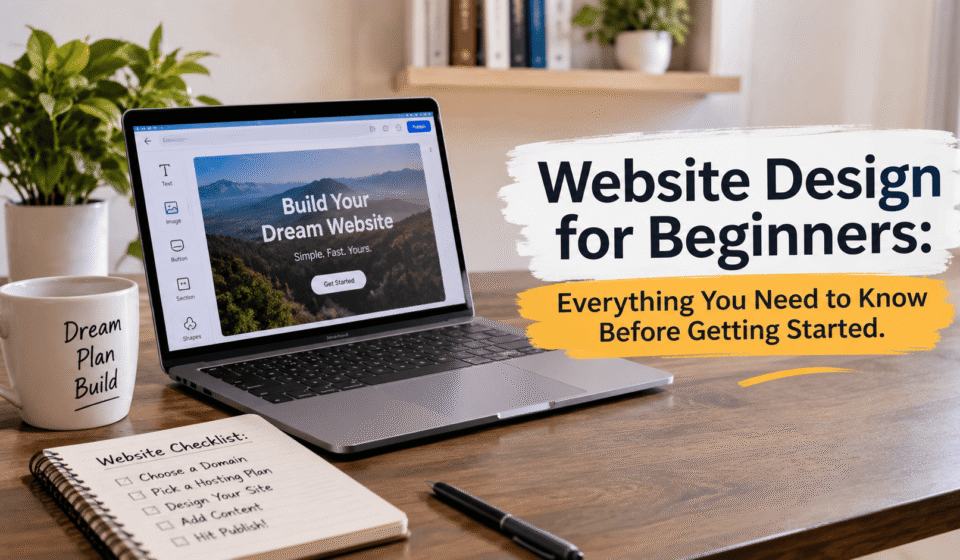

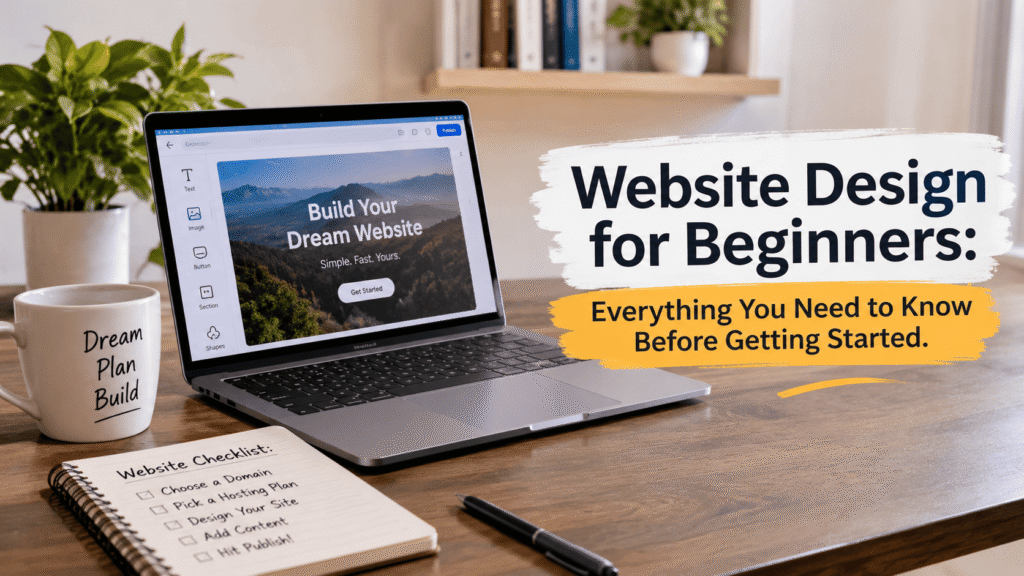
Website Design for Beginners: Everything You Need to Know Before Getting Started
What Is Website Design and Why Should You Learn It?
Have you ever visited a website and wondered how it was created? From attractive homepages to simple contact forms, every part of a website is carefully planned to make browsing easier and more enjoyable.
Website design is the process of creating the appearance, layout, and overall experience of a website. It involves choosing colours, fonts, images, page layouts, and navigation elements that work together to create a smooth experience for visitors.
Whether you want to start an online business, build a personal portfolio, or create a website for your company, understanding website design can help you establish a strong online presence.
The best part is that you do not need to know coding to get started. Several beginner-friendly tools allow you to create attractive websites without writing complicated code.
What Are the Basic Elements of Website Design?
A good website is made up of several elements that work together. Understanding these basics will help you make better design decisions when creating your first website.
Website Layout: The layout determines where different elements appear on a webpage. A well-organised layout makes it easier for visitors to find information without feeling confused.
Colours and Fonts: Colours create the visual identity of your website, while fonts make the content readable. Choose combinations that complement each other and maintain a consistent appearance across all pages.
Images and Graphics: Relevant images make your website more engaging. They also help explain your products, services, and ideas without relying entirely on written content.
Navigation: Navigation menus help visitors move between different pages. Keep them simple and use familiar labels such as Home, About Us, Services, and Contact.
Mobile Responsiveness: Your website should work properly on smartphones, tablets, and desktop computers. A responsive layout automatically adjusts to different screen sizes.
Which Website Design Tools Are Best for Beginners?
Choosing the right platform can make website creation much easier. You do not have to build everything from scratch because several tools offer ready-made templates and simple editing options.
WordPress is a popular choice for people who want flexibility and control over their websites. Wix is another beginner-friendly platform that makes it easy to customise pages using visual editing tools.
Squarespace is suitable for people who prefer visually appealing templates, while Shopify is designed primarily for businesses planning to sell products online.
Before selecting a platform, consider your website’s purpose, budget, and the features you may need in the future.
How Can You Start Designing Your First Website?
Begin by deciding what your website will be about. A business website, personal blog, and online portfolio may require different layouts and features, so having a clear purpose will help you plan better.
Next, choose a domain name, select a suitable platform, and pick a design template. Add essential pages such as Home, About, Services, and Contact, then customise them with your own text, images, and branding.
Before publishing, check whether your website works properly on mobile devices. Test the navigation menus, buttons, contact forms, and page loading speed to make sure visitors can use everything comfortably.
Why Does Good Website Design Matter?
Your website often creates the first impression of your business. If visitors find it confusing, outdated, or difficult to navigate, they may leave without exploring your products or services.
A well-designed website helps build credibility, communicates your message clearly, and encourages visitors to take action. It also provides a strong foundation for search engine optimisation and long-term business growth.
Learning website design is a gradual process. Start with simple projects, experiment with different layouts, and improve your skills as you gain experience.
Frequently Asked Questions
1. Can I learn website design without coding?
Yes. Platforms such as WordPress, Wix, and Squarespace allow beginners to create websites using visual editors and ready-made templates.
2. How long does it take to learn website design?
You can understand the basics within a few weeks of regular practice. Developing professional-level skills takes more time and experience.
3. What should I learn first in website design?
Start with layouts, colours, typography, navigation, responsive design, and basic user experience principles.